Two rituals repeat in every delivery organisation. Once a week, someone sends the "timesheets please" email. Once a month, someone rebuilds the same status report by hand, copying numbers out of a tool into a slide, so leadership can see where the projects stand. Both are work that produces nothing new. Both exist to compensate for the same missing thing: a clear view of your own data that you can simply read.
The reason you cannot simply read it is usually where the data lives. When the record sits on a vendor's servers, getting a report out of it means exporting on the vendor's terms, in the vendor's shape, and then rebuilding the view you actually wanted. The report is a reconstruction, not a read. And the weekly reminder exists for a related reason: completeness is invisible, so a person has to stand in for the check a system should perform.
The reminder is a symptom of a report you cannot see
Look at the weekly chase for what it is. A manager broadcasts "timesheets please" because they cannot see whose week is complete, and a contributor cannot tell either, so two people spend attention on a question a glance should answer. The monthly report is the same problem one level up: the numbers exist, but not in a form anyone can point a chart at, so they get carried across by hand every period. Neither is a discipline failure. Both are what you get when the data is somewhere you cannot query freely.
The data is already list items in your own tenant
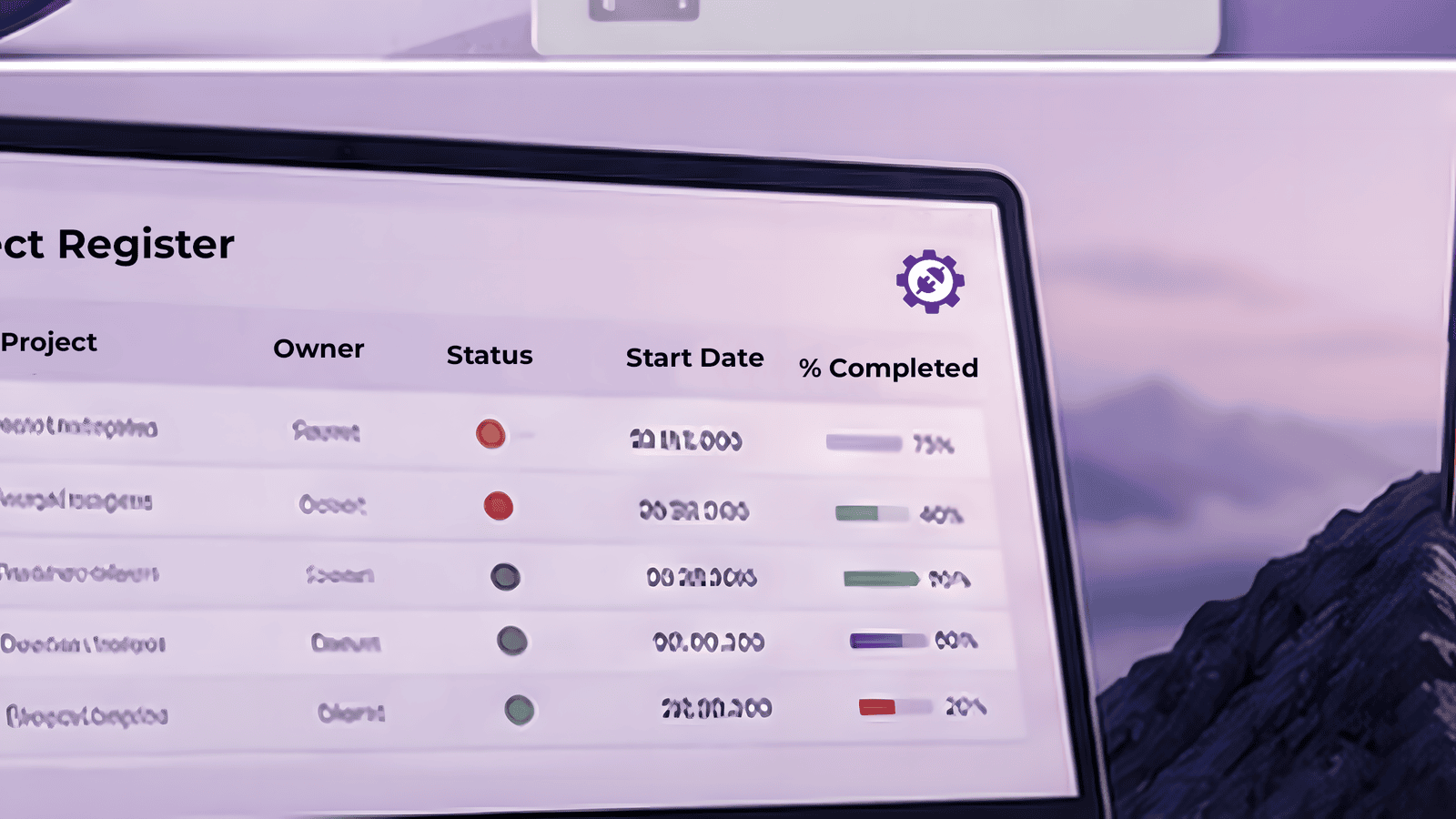
Here is the structural difference with ProjectPoint. Your Projects registry is a SharePoint list. Your time entries are SharePoint list items, in your own SharePoint sites. That is not a metaphor for "we can export it to you". It is the same data an executive roll-up reads, sitting in a place you already own the tools for, and ProjectPoint turns it into the views your week actually runs on.
The reports, and the reminders that carry their own answer
Every person entering time gets their own week strip, showing the days logged and unlogged, and a month view with a signed pace figure, ahead in green or behind in red, with the projection shown rather than hidden. That is reporting at the level of the individual, and it answers "am I on pace" without anyone sending an email.
Above it, ProjectPoint reports across the portfolio. A cross-project roll-up puts status and budget for every project in one view, built from the registry that already holds them. Scheduled digests land in inboxes showing who is on track and where a budget is heading, so the weekly reminder sends itself with the answer already attached instead of a manager chasing it. And a client-ready weekly progress summary is drafted for each project from the week's own entries, so a project manager sends it rather than assembling it by hand. Because your hours are ordinary list items in your own tenant, a Power BI report points straight at them, over data you already own, with nothing to export and no vendor copy to reconcile against.
The upgrade worth having
The entry tier gets your projects and your hours into your own tenant, correctly shaped and correctly owned. That is the foundation, and it is the part you buy first. The middle tier is where that owned data becomes the roll-up, the digest, and the summary that a delivery lead runs the week on. That is the upgrade worth having, and the reason it is worth having is the reason the whole thing is worth owning: the data underneath every one of those reports is yours, and it stays yours.
Get in touch, and we will point your own reporting at your own data.