Your admin centre can see the unowned flow. It will not switch it back on at 6am.
Bauer Automate, based in Calgary, Alberta, delivers Power Platform and SharePoint governance to organizations across Canada. The Power Platform Governance Suite installs into your own Microsoft tenant and automates maker access control, creation alerts with consent tracking, flow resilience, custom security roles, branded app kits and scheduled production backup, in three tiers: Foundation, Operations and Managed. The SharePoint usage policy is a written policy covering access, data, files, sharing and security, sized to your team.
Microsoft gives you the inventory, free, and it is good. What nobody replaced is the layer that acts.
The Power Platform Governance Suite ships that layer: maker access control, creation alerting with consent tracking, flow resilience, custom security roles and a branded app kit, installed in your own tenant and yours to keep. It installs into your tenant and runs on the licences you already hold.
- ✓ Makers get in on purpose, not by default. Environment Maker access is synced from a security group, on change and daily.
- ✓ Suspended flows come back on. A daily job re-enables flows the platform suspended, so a week of failed runs does not become a month.
- ✓ Your governance data stays in your tenant. One managed solution, one least-privilege service identity, no hosted service.
Two reasons to climb a tier
- Foundation to Operations. The Suite sits on admin surfaces Microsoft is rebuilding right now. Operations keeps it current against platform change, with a quarterly update pass and a support queue. It is the tier we quote by default.
- Operations to Managed. When nobody on your team has the capacity to run governance, or an audit finding needs an accountable operator, Managed starts with a governance assessment and then we operate the posture month to month.
One Suite. What changes is how much of it we run.
Foundation is one-time and you own it. Operations and Managed add what somebody at Bauer Automate is actually doing for you.
The full feature table
Cumulative. Operations includes everything in Foundation, and Managed includes everything in Operations. Nothing is removed by moving up.
Maker access and accountability
| Feature | Foundation | Operations | Managed |
|---|---|---|---|
| Environment Maker security group sync, on change and daily | ✓ | ✓ | ✓ |
| Custom role: Environment Maker without publisher or settings rights, with advanced privileges | ✓ | ✓ | ✓ |
| Custom role: Environment Maker without publisher or settings rights, no advanced privileges | ✓ | ✓ | ✓ |
| Custom role: SharePoint custom form maker only | ✓ | ✓ | ✓ |
| Extra custom security roles beyond the three above | Add-on | Add-on | Add-on |
Alerting and consent
| Feature | Foundation | Operations | Managed |
|---|---|---|---|
| App creation alert to the creator and your helpdesk | ✓ | ✓ | ✓ |
| Flow creation alert | ✓ | ✓ | ✓ |
| Publisher creation alert | ✓ | ✓ | ✓ |
| Solution creation alert | ✓ | ✓ | ✓ |
| User consent tracker, configurable suppression period, automatic resume | ✓ | ✓ | ✓ |
Flow resilience and backup
| Feature | Foundation | Operations | Managed |
|---|---|---|---|
| Flow-wide error handling pattern, email and Teams notification, deep linked to the failed run | ✓ | ✓ | ✓ |
| Daily re-enable of auto-suspended flows | ✓ | ✓ | ✓ |
| Scheduled backup of your production environment, on a schedule you set | ✓ | ✓ | ✓ |
Administration and branding
| Feature | Foundation | Operations | Managed |
|---|---|---|---|
| Environment variable management app: one admin surface across the estate | ✓ | ✓ | ✓ |
| Branded canvas app template, classic controls | ✓ | ✓ | ✓ |
| Branded model-driven app theme from one central theme file | ✓ | ✓ | ✓ |
| Branded logo and custom loading spinner, sourced from the web or SharePoint | ✓ | ✓ | ✓ |
| Environment-variable-driven global rebranding, no republish | ✓ | ✓ | ✓ |
Install and handover
| Feature | Foundation | Operations | Managed |
|---|---|---|---|
| Managed solution package | ✓ | ✓ | ✓ |
| Install guide and configuration document | ✓ | ✓ | ✓ |
| Environment variable setup | ✓ | ✓ | ✓ |
| Connector-versus-data-loss-prevention-policy matrix | ✓ | ✓ | ✓ |
| Least-privilege service identity, scoped to only the actions the Suite needs | ✓ | ✓ | ✓ |
Keeping it current
| Feature | Foundation | Operations | Managed |
|---|---|---|---|
| Kept current against Power Platform and Graph API change | − | ✓ | ✓ |
| Connector deprecation and admin-surface adaptation | − | ✓ | ✓ |
| New maker-alert and flow-resilience patterns released as built | − | ✓ | ✓ |
| Security role updates as the underlying privilege model changes | − | ✓ | ✓ |
| Quarterly update pass: reinstall or upgrade, re-verify variables, confirm sync and re-enable still run | − | ✓ | ✓ |
Support
| Feature | Foundation | Operations | Managed |
|---|---|---|---|
| Business-hours queue, best effort, documentation access | − | ✓ | ✓ |
| Priority support: committed response, named contact, weighted backlog input | − | Add-on | ✓ |
Operating your governance
| Feature | Foundation | Operations | Managed |
|---|---|---|---|
| Governance assessment: environment strategy, policy posture, default-environment exposure, maker review, licensing exposure | − | − | ✓ |
| Monthly operation of policies, connector controls, retention rules, environment lifecycle, ownership and solution standards, version control | − | − | ✓ |
| Capacity, flow usage and performance review | − | − | ✓ |
| Licensing oversight and cost efficiency review | − | − | ✓ |
Legend: ✓ included. − not in this tier. Add-on: available at extra cost.
- Suite Maintenance at Operations is quarterly and best effort. It does not include continuous monitoring, incident response, or anyone at Bauer Automate looking at the tenant between quarters.
- Install, configuration, administrator training and change-management communications are quoted separately, as is applying the branding kit to apps you already have. Creative work such as a custom loading spinner is a separate line item.
- Move up a tier within 90 days and everything you paid for the tier below is credited toward the one above, up to the full amount, once per customer. Moving up adds scope. It does not replace anything you already bought.

What this is costing you right now
Nothing here is hypothetical, and none of it shows up as a line on an invoice until it does.
- A flow nobody owns just stopped. It ran the client onboarding handoff, or the payroll reminders. It failed enough times that the platform suspended it, nobody was notified, and the person who built it left in March. You find out when somebody downstream complains, and by then it has been off for weeks.
- Your default environment is a free-for-all. Every licensed user in your tenant can build in it, by default, with nobody approving anything. That is where the app your finance team now depends on actually lives, and it got there without a single decision being made.
- Apps outlive the people who built them. The maker leaves. The connection breaks. The app becomes a dependency the business runs on with nobody accountable for it, because nobody ever recorded who owned it in the first place.
- Doing nothing is free, right up until it is not. Nothing is forcing this, which is exactly why it stays unfunded year after year. The bill arrives as one incident, at the worst possible time, and it is always larger than the work would have been.
What gets fixed, and what that feels like
We are not going to sell you a second inventory. The Power Platform admin centre already lists every app, flow and agent in your tenant, free, and it does it well. This is the layer that does something about what it finds.
You hear about a new app the day it is made.
App, flow, publisher and solution creation each raise an alert to the maker and to your helpdesk. A consent tracker stops alerting a maker who has already acknowledged the rules, then resumes on schedule so it does not become permanent silence.
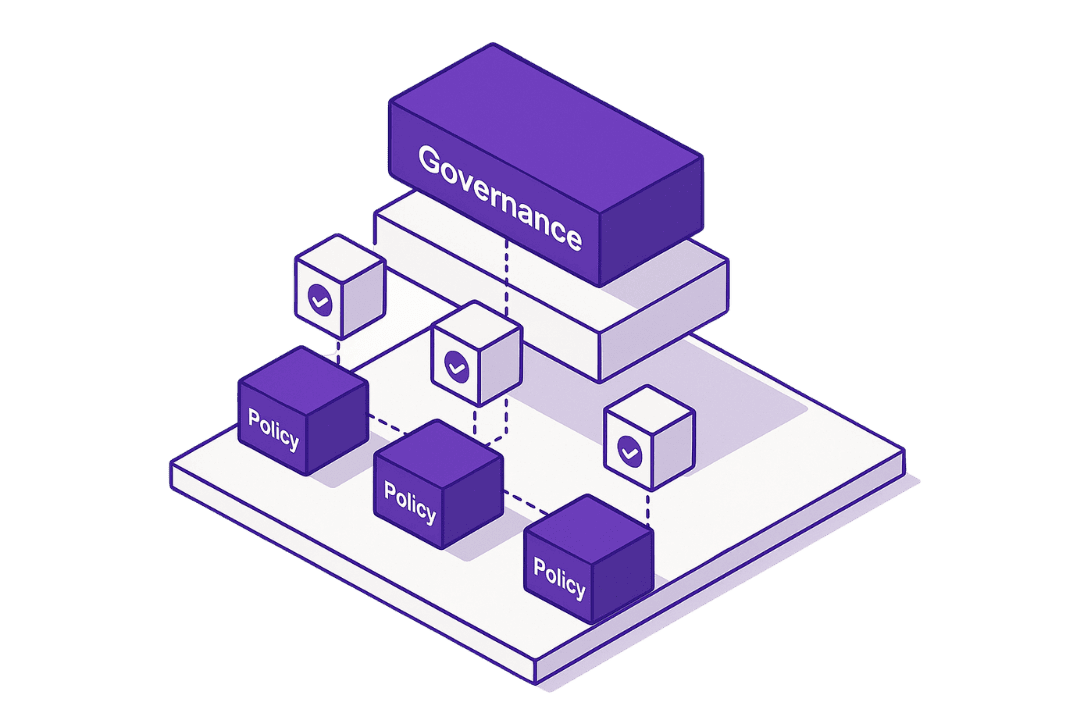
Makers get in on purpose, not by default.
Environment Maker access is synced from a security group, on change and daily. Who can build becomes a decision your IT actually makes, instead of a side effect of somebody holding a licence.
Roles that match what makers actually do.
Custom security roles ship with the Suite, including an Environment Maker without publisher or settings rights. You can let people build without handing over the environment.
Production backup returns on a schedule you set.
A scheduled backup of your production environment runs on its own cadence, so recovery does not depend on remembering to trigger one manually.
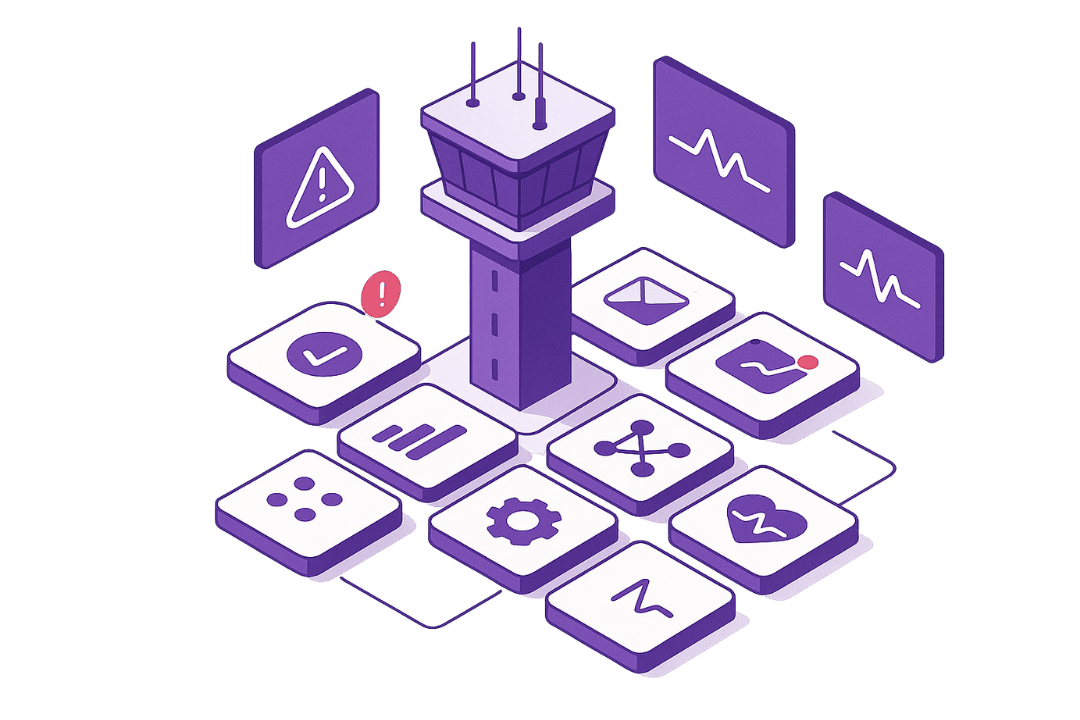
Suspended flows come back on, and failures reach a person.
A daily job re-enables flows the platform auto-suspended. A week of failed runs stops becoming a month, and nobody has to notice first. The shared error handling pattern sends a failure to email and to Teams with a deep link straight to the run that broke, rather than into a log nobody opens.
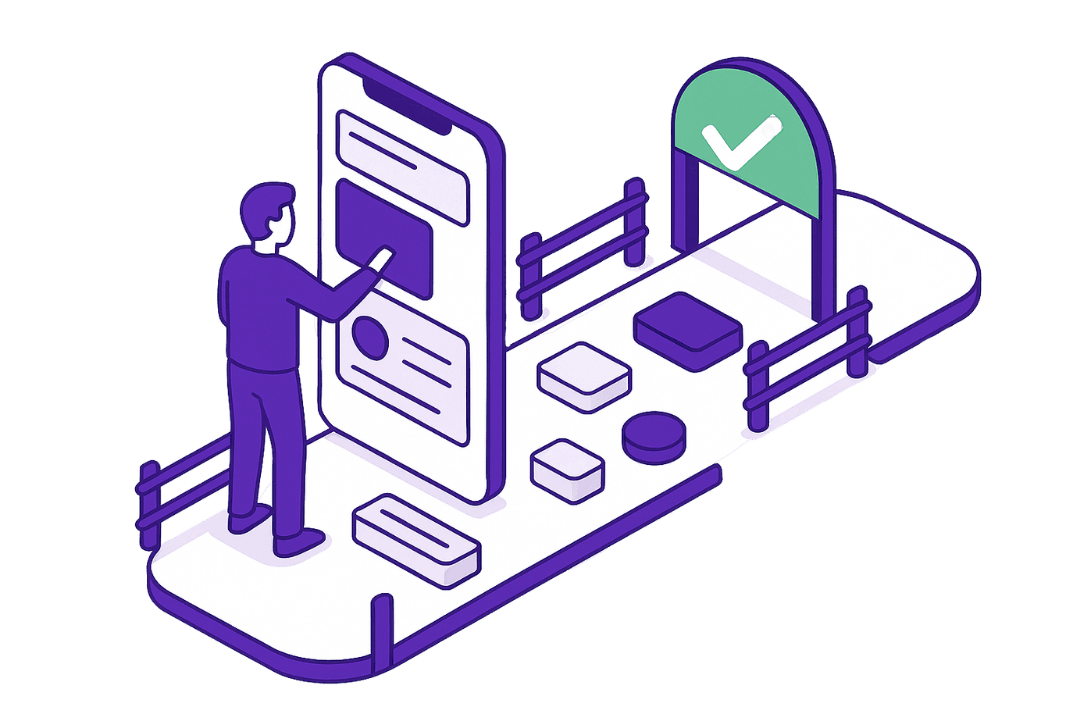
Your apps look like your company.
Canvas and model-driven app kits carry your fonts, colours, logo and loading spinner from environment variables. A rebrand becomes a variable change instead of a republish of every app you own.
How it works
This is a deployment, not a build.
- Talk. A free consultation: what prompted this, who will run it, and your licensing position, confirmed component by component before we quote.
- Install. The managed solution goes into your Dataverse environment, with the install guide and the configuration document.
- Configure. Environment variables set for your tenant, the security group wired to maker access, alert recipients set, and the connector-versus-policy matrix walked through with your admin.
- Hand over, or we keep running it. Your admin owns it from here at Foundation. At Operations we keep it current. At Managed we start with the governance assessment and then operate your posture month to month.
Built for the team with more app builders than governance
The Suite is for the IT director or platform owner whose Power Platform estate grew faster than the rules around it. These are the signals we hear on the first call:
- A flow switched itself off, and you found out days later from someone downstream.
- An app the business depends on has no owner anyone can name.
- Someone left, and it turned out they owned something important, in their own environment.
- The default environment is a place where every licensed user can build and nobody approves anything.
- An audit or compliance finding names the platform, not just a hygiene complaint.
- Several hundred makers, or nobody with the time to run governance at all.
If you have had no incident, no audit finding, and you can name an owner for every app, waiting is reasonable. We will say so.
A SharePoint usage policy your whole team can find
A SharePoint usage policy is a written set of rules for who gets access, what gets shared, how files are stored, and how long they stay.
Why firms write one
- Security and compliance. Clear rules for data handling, access, and security help protect sensitive information and meet legal and industry rules.
- Everyday efficiency. One standard way of working removes guesswork, so people spend less time asking where things go.
- Accountability. The policy sets what is acceptable and what is not, which makes reviews and audits possible.
What the policy covers
| Area | What it sets |
|---|---|
| Access | Who can see and edit each site, how people ask for access, and the sign-in rules. |
| Data | Which files are public, internal or confidential, and how long each kind is kept. |
| Files | Names, folders, file types, version history, and when to archive old files. |
| Sharing | When sharing inside the company or with guests is fine, and when it is not. |
| Security | What to do when something goes wrong, and which activity to log for review. |
How it works
- Talk. We learn how your teams use SharePoint and which rules you already have.
- Draft. We write the policy from our outline and fit it to your sites and teams.
- Review. Your leads review the draft, and your legal advisor reviews compliance.
- Publish. We publish the final policy in SharePoint, where your whole team can find it.
Three scopes
| Scope | What it covers |
|---|---|
| Team | For a small team: core site rules, basic data handling, and a simple way to approve new sites. |
| Growing | For a growing team: adds a site request process, structure guidelines, and security rules. |
| Multi-hub | For many hubs: adds classification and retention rules, site lifecycle, and a regular policy review. |
Quoted for your tenant, sized to the scope you pick. Setting SharePoint up to enforce the rules is separate work, quoted on its own. The Power Platform usage policy is a different document, and it ships inside the Governance Suite tiers above.
Planning a new intranet? Ask us to write the policy alongside it. SharePoint Online intranet
On the roadmap for the Suite
In development: the branded canvas app template for modern controls, an alert when an administrator disables one of the Suite's automations, and priority support with committed response times and a named contact. None of them is sold today.