Bring Your Team, Communication, and Documents Together
If you struggle with scattered communication, lost files, or teams working in silos — our SharePoint Online solution can help.
We build modern intranet sites that centralize your organization’s communication, news, documents, and internal resources into one easy-to-use hub. This document management collaborative platform ensures that your team stays connected, informed, and aligned — whether they work in the office, in the field, or remotely.

Why SharePoint Matters
A well-designed SharePoint environment helps your organization:
Reduce file chaos and version confusion Improve communication across departments Share updates, news, and resources consistently Work from anywhere with secure, cloud-based access Establish a clear structure for documents and information Support collaboration using Teams, OneDrive, and Microsoft 365
Your SharePoint Site becomes the “front door” to your digital workplace.
What We Deliver
Our SharePoint Online service includes everything needed to build a reliable, user-friendly intranet.
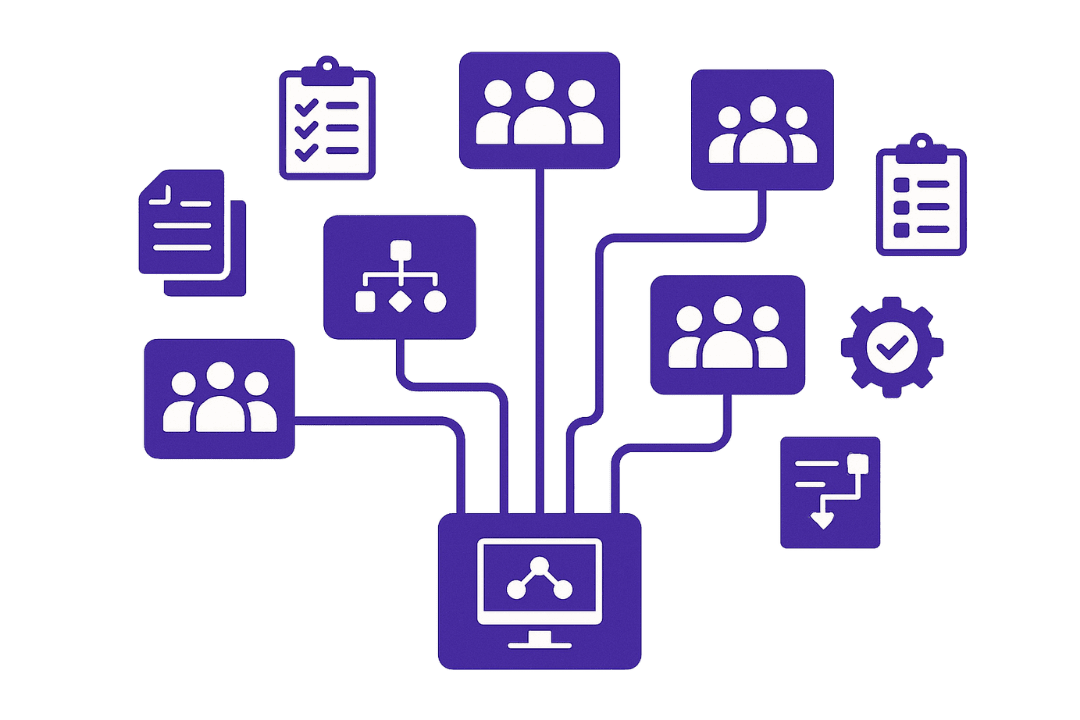
1. Intranet Discovery & Information Architecture
We map out what your departments need, including:
Communication requirements Common workflows Document libraries Governance needs Navigation and site structure
This ensures your intranet is organized, intuitive, and easy to maintain.
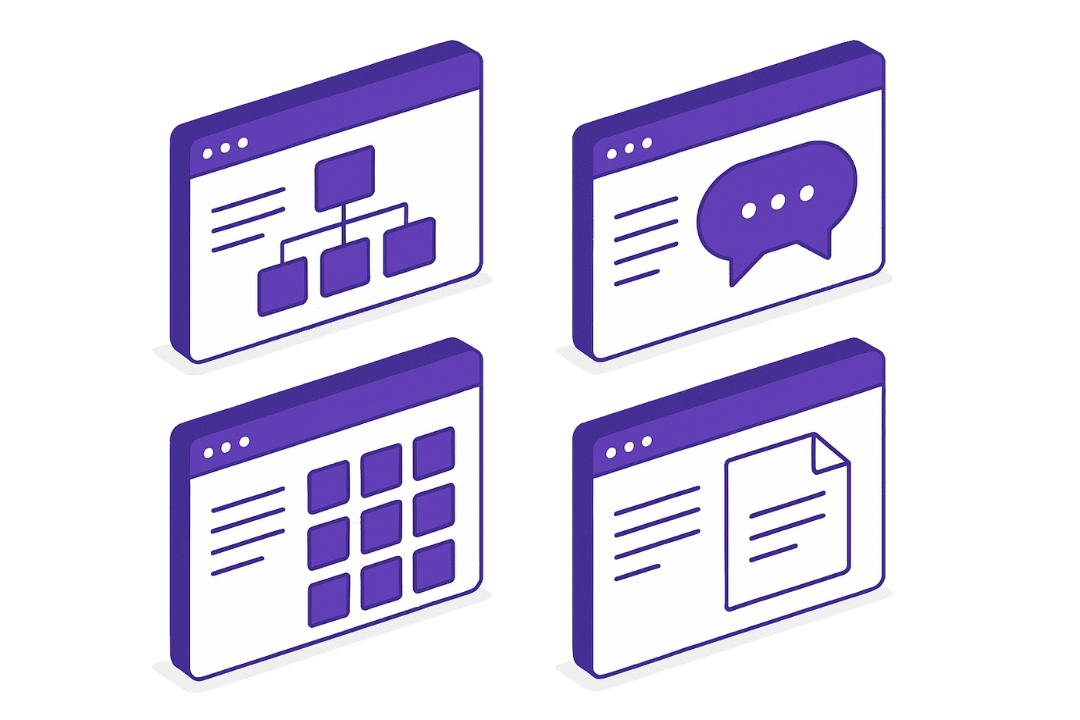
2. Custom SharePoint Sites
We design and build:
Department sites Company-wide communication sites Policy and procedure hubs Resource libraries Document management workspaces Special project or team collaboration spaces
All built using modern SharePoint best practices.
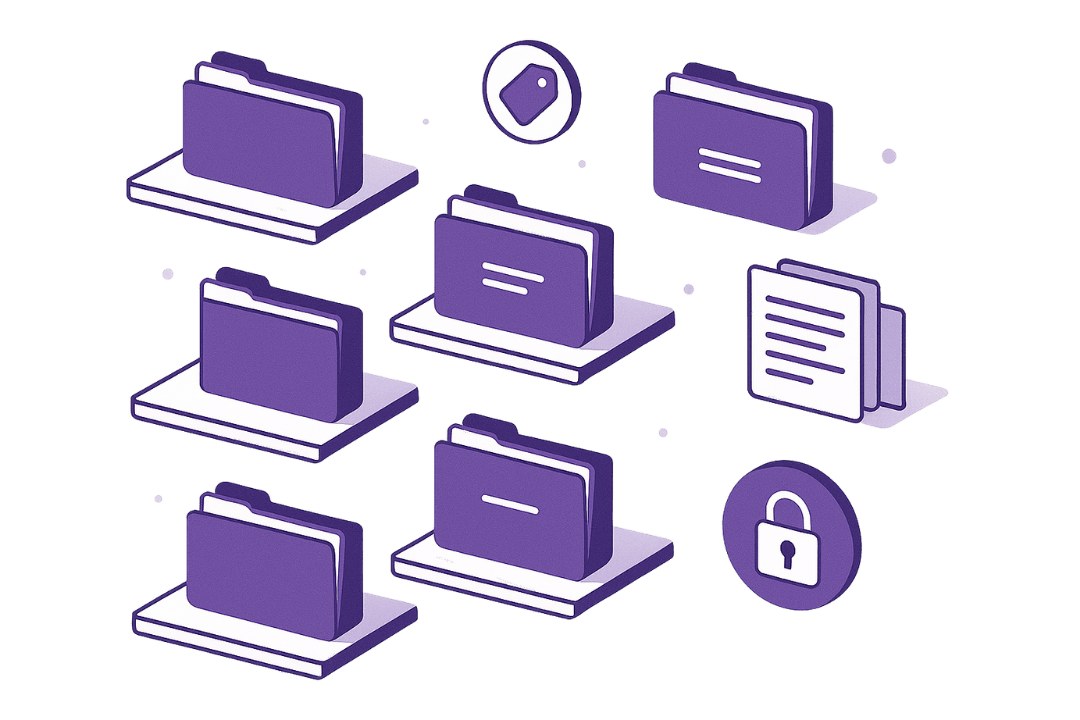
3. Document Management & Metadata Setup
We create a clear, scalable system for:
File storage Metadata and tags Versioning Permissions Retention policies
Your users will find documents fast, and your files stay consistent across the organization.

4. News, Announcements & Internal Communication
We set up:
News posts Alerts Leadership updates Event announcements Highlight sections for key info
SharePoint becomes your organization’s communication hub.
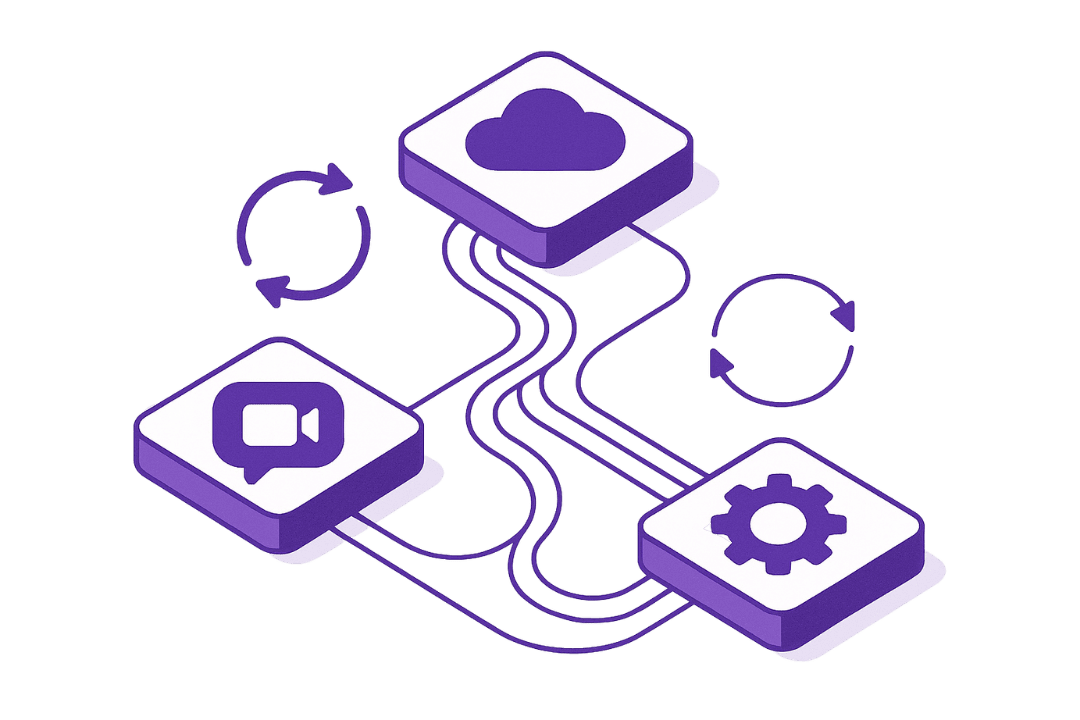
5. Integration With Teams, OneDrive & Power Automate
We ensure everything works together:
Files sync with OneDrive Teams channels connect to SharePoint libraries Automated approvals and notifications Seamless navigation between tools
Your digital workplace becomes connected instead of fragmented.
6. Optional Add-Ons
Available separately:
Intranet training for staff Ongoing site governance Document migrations Automation workflows
Microsoft SharePoint Example
See what a modern SharePoint intranet can look like.
Below is an example that showcases navigation, communication features, and document libraries — so you can experience how clean and intuitive your intranet can be.