Automate repetitive work and keep your business moving
Bauer Automate designs and builds workflow automation for organizations in Calgary, Alberta, and across Canada. We build mainly in Microsoft Power Automate, inside the Microsoft 365 you already pay for, and we can build in another low-code automation platform you already own. If repetitive manual tasks, slow approvals, or disconnected systems are eating your week, this is the service that fixes it.
We design flows that connect your apps, take the hand work out of your processes, and run routine tasks on their own. Your team gets its time back for the work that matters.

Why automation matters
Manual work slows everything down. Automation helps you:
- Cut the time spent on routine tasks
- Reduce human error and inconsistency
- Speed up approval turnaround
- Run every process the same way every time
- Connect systems that do not naturally talk to each other
- Raise productivity without adding headcount
Your business becomes more predictable and easier to scale.
What we deliver
Our automation service covers the full lifecycle: discovery, design, and deployment.
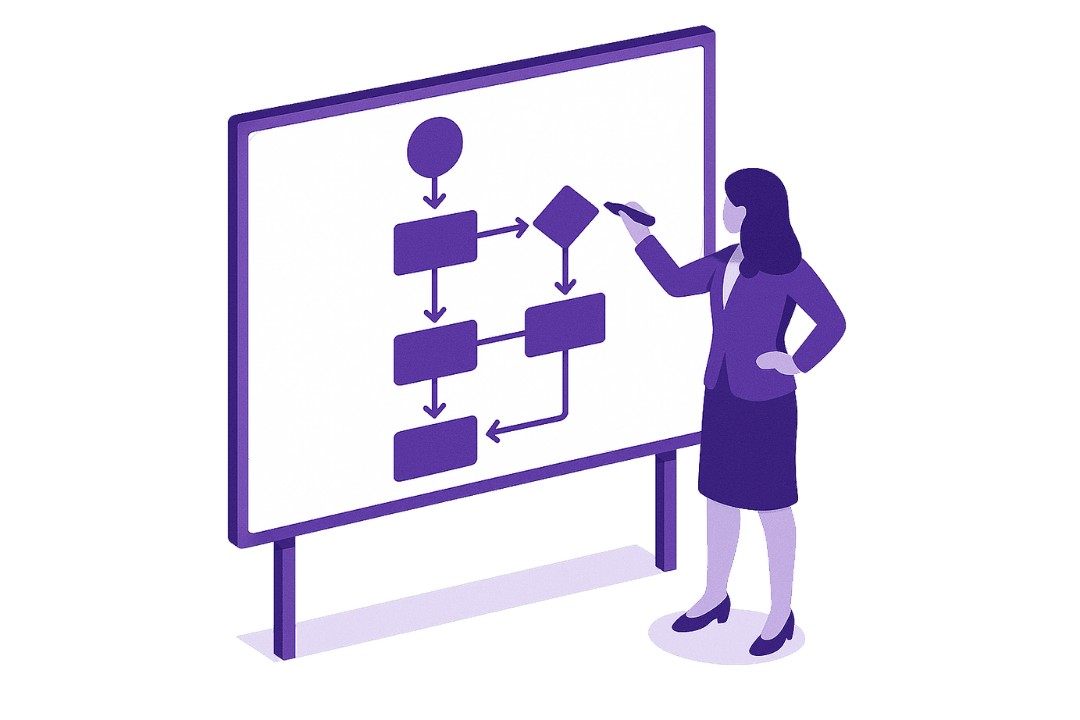
1. Process review and mapping
We analyze your current workflows to find pain points, delays, and opportunities for improvement.
- Document existing manual or semi-manual processes
- Identify bottlenecks, redundancies, and hand-off gaps
- Map trigger points, decision branches, and approvals
- Define success criteria and measurable outcomes
- Prioritize automation opportunities by impact and effort
- Deliver a clear process map before any build begins
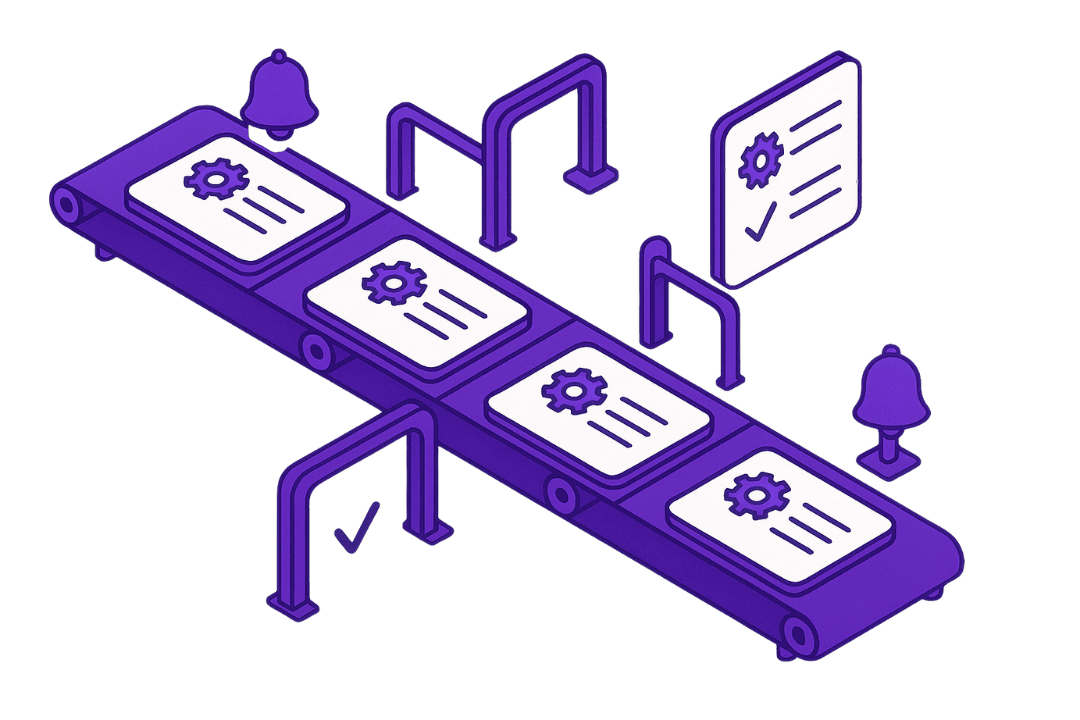
2. Workflow automation
We design and build automated processes such as:
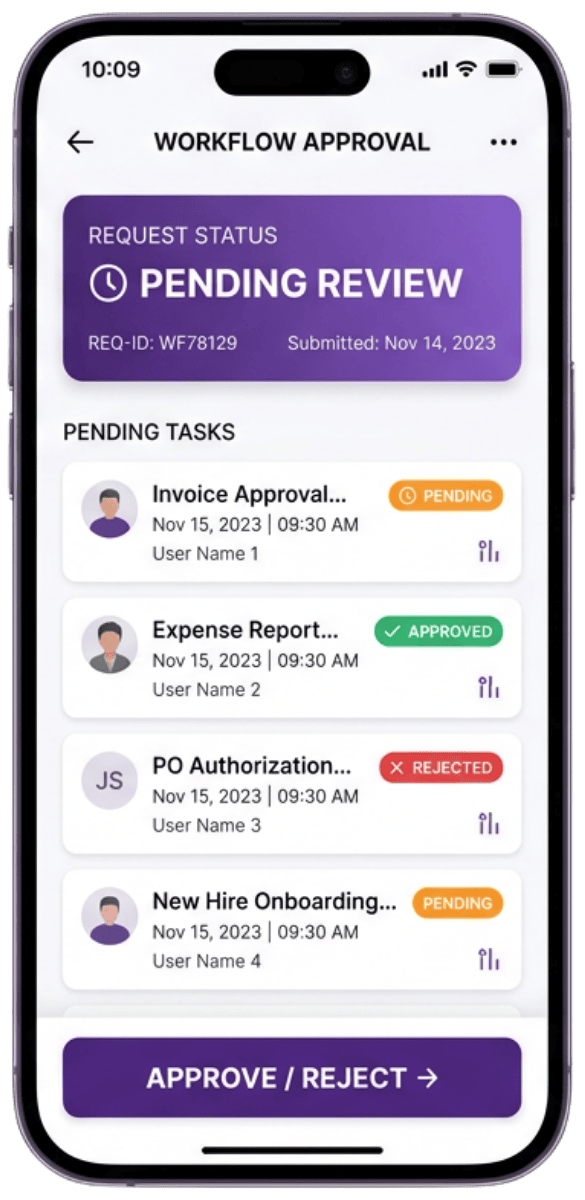
- Request and approval workflows
- Notifications, reminders, and follow-ups
- Document creation and routing
- Data syncing between systems
- Scheduled tasks and monitoring
- File management and processing
- Customer or staff onboarding sequences
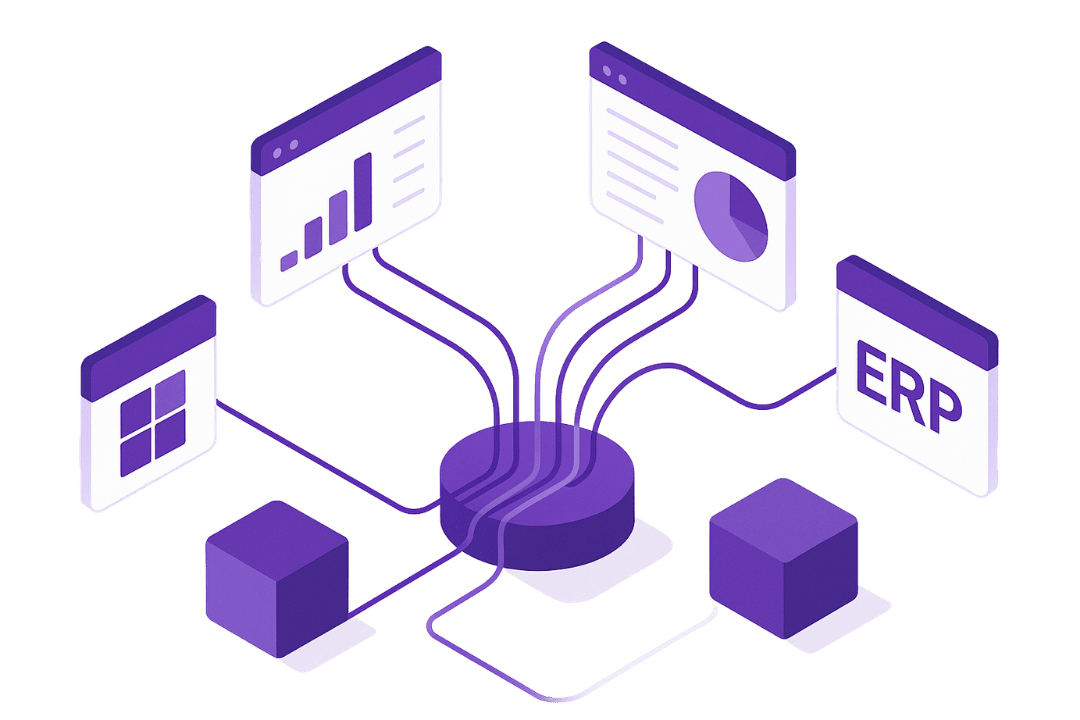
3. Multi-system integrations
We connect data across:
- Microsoft 365
- SharePoint
- Outlook
- Dataverse
- Teams
- SQL
- CRM, ERP, HR, or accounting systems
- Other automation platforms and custom APIs
If your tools do not talk to each other, we make them talk.
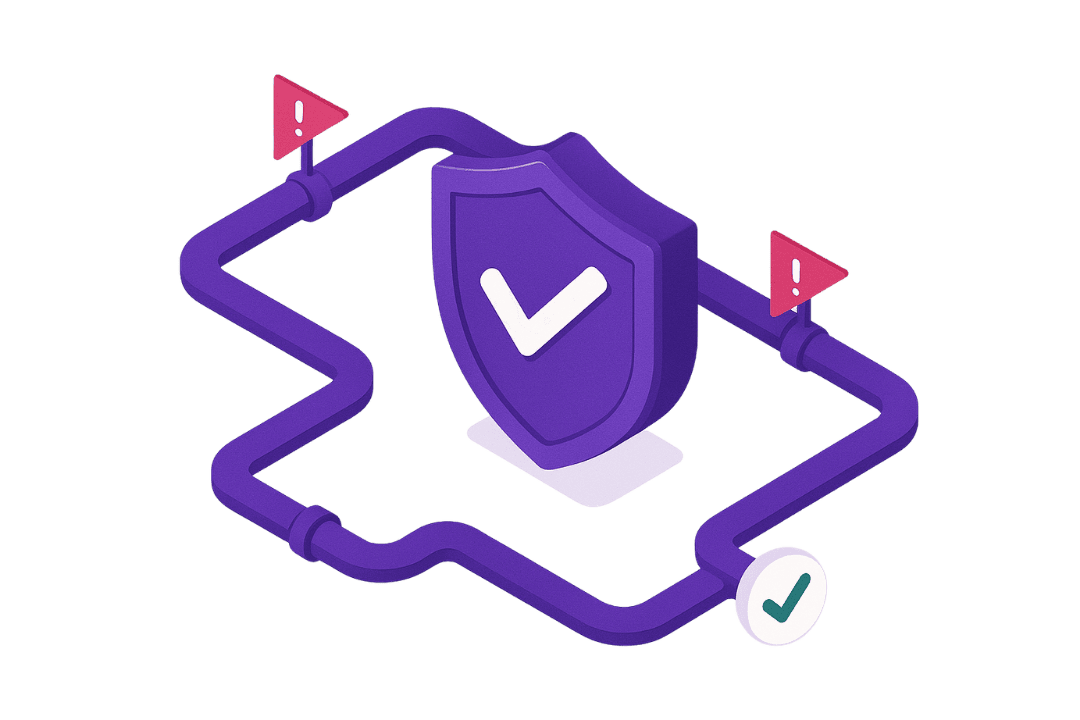
4. Error handling and reliability controls
We keep your flows running with:
- Logging and tracking
- Retries and fallback steps
- Notifications when something needs attention
5. Optional add-ons
Available separately if needed:
- Training sessions for staff
- Documentation for handover
- Ongoing maintenance and refinements
Common use cases
Finance
Approvals, document matching, reminders
Operations
intake forms, task routing, scheduling
Human Resources (HR)
Onboarding, offboarding, employee requests
Sales
Lead follow-ups, account updates
Administration
Document management, notifications
Compliance
Audits, tracking, reporting
If your team does it more than once, it is probably automatable.
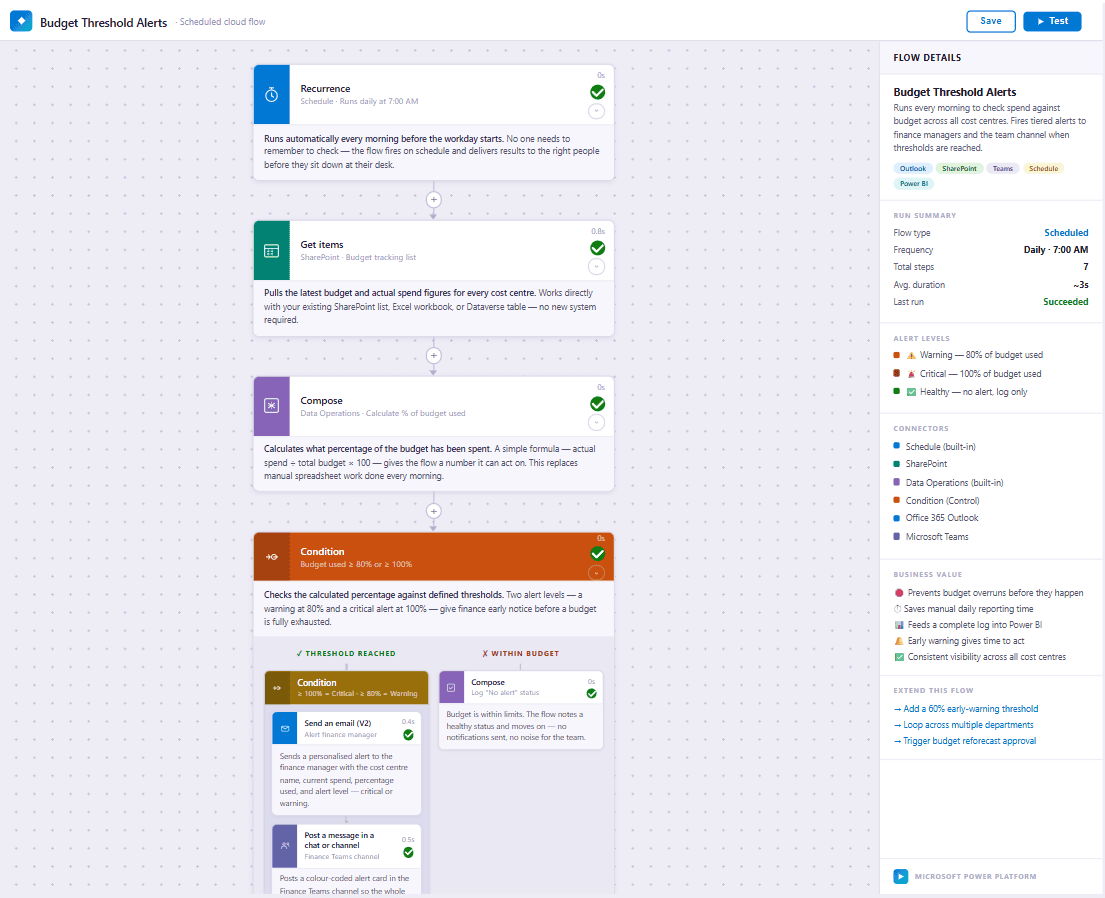
Explore an automation demo
Curious how an automated workflow looks behind the scenes?
The example below walks through a real Power Automate flow: each step, how the logic works, and how the process runs with no one touching it.