Modern Workplace Training is our Microsoft 365 series. Each course is built by Bauer Automate for one seat in the business: the everyday office worker, the office administrator or the owner. Learners practise in their own Microsoft 365, with a workbook, a lab guide and job aids they keep. The full catalog, including the Power BI, Power Platform and consulting courses, is on our training courses page.
Book a free consultationSee the courses
Who this is for
Your team got the tools on a Monday, and a link to a video

Confidence is the missing piece, and a video does not build it.
Most teams get Microsoft 365 switched on, a short walkthrough and nothing else. Then the guesswork starts: files saved in four places, a meeting nobody can find, a shared mailbox everyone avoids. The tools are fine. The training never happened.
Modern Workplace Training fills that gap with courses written for the seat the learner sits in, taught in plain words, with practice on real tasks.
- Built for the way an office works, with one job aid per module to keep
- Hands-on in your own Microsoft 365, not a slide deck read aloud
- Patient with beginners, with no technical background needed
The Office 365 series
Three courses, three seats in the business
Pick the course for the seat, not for the app.
Office 365 101 (Microsoft 365 Fundamentals)
Best for: anyone with a desk who uses Microsoft 365 every day. No IT (information technology) background needed.
- Self-paced course, about ten hours. Contact us for pricing.
- Live 90-minute session, Office 365 101 Light. Contact us for pricing.
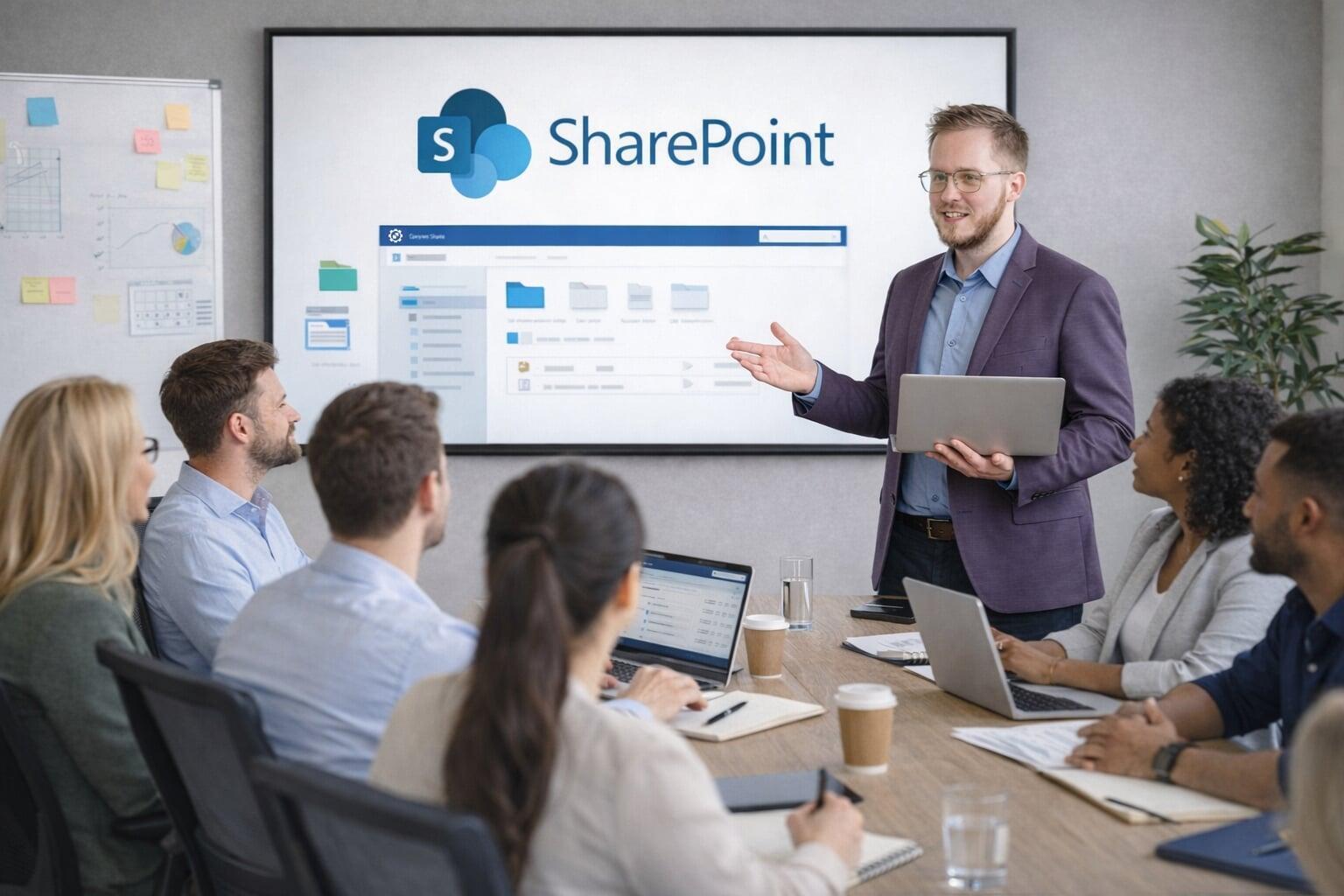
Covers: safe sign-in and MFA (multi-factor authentication, the second check at sign-in); Teams, Outlook, OneDrive and SharePoint; Microsoft To Do and Planner; a simple SharePoint page; using Microsoft 365 Copilot responsibly.
Includes: eight short modules, each ending in a guided hands-on task and a one-page job aid; a workbook and a lab guide.
Book a free consultation
Office 365 102
Best for: Office 365 101 graduates and teams ready to work better together.
- Self-paced course, about ten hours. Contact us for pricing.
- Live 90-minute session, Office 365 102 Light. Contact us for pricing.
Covers: co-authoring and version discipline; running Teams meetings and channels well; building SharePoint lists and pages for a team; file naming and retention rules; shared mailboxes and calendars; prompt-crafting with Copilot on real work; a first look at Power Automate and Power BI.
Includes: end-user training only. Running the tenant is Office Admin Core, below.
Book a free consultation
Includes the Owner's IT Bible kitOffice 365 103 (The Owner's Seat)
Best for: the owner, partner or senior manager who pays the IT bills and is accountable when technology breaks.
- Self-paced course, about nine hours. Contact us for pricing.
- Live session, about two hours, Office 365 103 Light. Contact us for pricing.
Covers: what the business owns (tenant, admin accounts, domain, billing); the employee lifecycle; security basics (MFA, phishing, what to do first when a device goes missing); sharing and restores; licence spend; triage before a problem becomes a ticket; managing IT, an IT provider or yourself.
Includes: a keep-forever job aid per unit, assembled into the ten-tab Owner's IT Bible binder at no extra cost.
All three courses, recorded: Contact us for pricing.
A live Light session covers the first four attendees. More seats are priced per attendee.
Book a free consultation
Two more seats
For the administrator, and for the leadership table
Office Admin Core. For the office administrator, receptionist or office manager who keeps Microsoft 365 working for everyone else without being an IT specialist. Accounts, access, security basics like MFA, and the questions to ask your IT vendor, in 27 hands-on walkthroughs in your own tenant. Self-paced, about ten hours. Contact us for pricing. A live cohort for your team is available on request.
The Modern Organization on Microsoft 365: a leadership briefing. About 90 minutes plus 30 minutes of questions, for owners, partners, directors and senior managers. What Microsoft 365 can do for an organization like yours: SharePoint as the operating system, automation examples, Copilot explained honestly, and a conversation about governance and scale. Every attendee leaves with a four-page handout, and a written summary and prioritized recommendations follow the session. Available live, per session, or recorded, per seat. Contact us for pricing.
The Owner's Climb. A three-month guided path through all three Office 365 courses in a group of eight: self-serve access to the courses, three live-guided weeks, the Owner's IT Bible kit and a completion certificate. Contact us for pricing. The first cohorts have a founding-cohort price.
Three ways to take it
Self-paced, live for your team, or a guided cohort
Every course in the series comes in a shape that fits how your team learns.
- Self-paced recorded course. Work through the modules in our online classroom at your own pace, with the workbook, lab guide and job aids to keep.
- Live Light session. A 90-minute instructor-led session (about two hours for the owner's seat) for your whole team, online or in person. No learner devices needed. Works as a lunch-and-learn or a new-hire orientation.
- Private cohort. Any course can run for your team alone, on request. Ask in the consultation.
Add-ons for any course: a certificate of completion; a monthly support membership with community access and continued course access; a 30-day practice tenant (a temporary Microsoft 365 environment) so learners can practise safely outside their own company's systems.
Who teaches it
Our own courses, taught by our own team
Every course in the series is written and delivered by Bauer Automate.
- Built for real offices. The examples come from files, reports and meetings like yours.
- Patient with beginners. No technical background is required for the staff courses.
- Hands-on in your own Microsoft 365. What you practise on Tuesday is what you use on Wednesday.
- Paced for your team. Self-paced when people need it, live when the team needs it together.
- Connected to the rest of our work. When training shows a need for SharePoint, automation or AI services, the same team can help.
- Led by our training lead, Ryley. All seven Microsoft Power Platform certifications on the team, and a Microsoft Certified Trainer.
We help your team feel confident with the tools they already have.
Frequently asked questions
Do our people need a technical background?
No. The staff courses assume none. Office 365 101 starts at safe sign-in and builds from there. Office Admin Core needs no admin access, coding or prior Microsoft 365 experience.
Is this a Microsoft certification?
No. These are topic courses with a certificate of completion, which is not a Microsoft credential. Our PL-300 and PL-900 courses, on the training courses page, prepare learners for Microsoft's exams of those names. The exam voucher is not included and a pass is not guaranteed.
How long does a course take?
The self-paced Office 365 courses take about ten hours each. A live Light session takes 90 minutes, or about two hours for the owner's seat. The leadership briefing runs about 90 minutes plus 30 minutes of questions.
Can you run a session just for our team?
Yes. A Light session works as a lunch-and-learn or a new-hire orientation, and any course can run as a private cohort for your team on request.
How is it priced?
Recorded courses are priced per seat. Live Light sessions are priced per session, with the first four attendees included. The prices on this page are list prices. Tell us your headcount in the consultation and we will confirm the fit.