Turn Spreadsheets Into Powerful Business Apps
If you struggle with messy spreadsheets, inconsistent data entry, or slow manual processes — our Microsoft Power Apps solutions transform your spreadsheets into professional business apps, ensure clean and accurate data collection, and make it easy for teams to input and access information on any device.
Instead of relying on disconnected Excel files or manual tracking, we build secure, scalable apps that work across desktop, tablet, and mobile.

Why Power Apps Matters
A well-built Power Apps solution helps your organization:
Eliminate spreadsheet chaos Standardize data entry Reduce human error Speed up manual processes Enable mobile-friendly data collection Centralize business-critical data Integrate with Microsoft 365, SharePoint, and Power Automate Replace tools like Google AppSheet and ZOHO Creator with a fully integrated Microsoft-native platform
Unlike Google AppSheet app or third-party builder, Microsoft Power Apps connects directly to your Microsoft ecosystem for better security, automation, and reporting.
What We Deliver
Our Power Apps development service includes everything needed to go from spreadsheet to fully functional business application.

1. App Discovery & Process Mapping
Before building anything, we analyze:
Your existing spreadsheets Current workflows Data entry points Approval steps Reporting needs User roles and permissions Integration requirements
This ensures your Microsoft Power Apps solution is built around how your business actually operates.

2. Custom Power Apps Design & Development
We design and build apps for:
Data collection Field operations Job tracking Asset management Client intake Inspections & audits Inventory tracking Time tracking & requests Internal business tools
Each Power Apps solution is custom-built based on your real workflow — not a generic template.

3. Data Source & Integration Setup
We connect your Power Apps to:
SharePoint Microsoft Lists Excel Dataverse Outlook Teams Power Automate
Your data stays centralized, secure, and always up to date — unlike disconnected Google AppSheet apps or siloed tools.
4. Automation With Power Automate
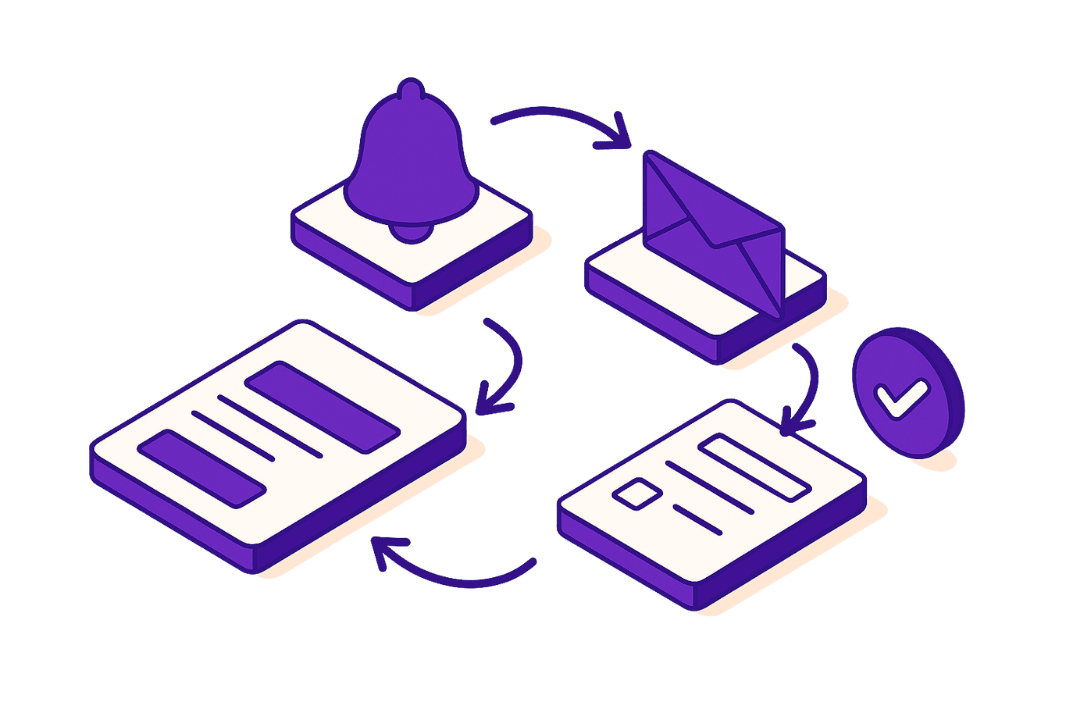
We automate what happens after data is submitted:
Approval workflows Notifications Data syncing File creation Task creation Audit logging Status updates
Your Power Apps doesn’t just collect data — it triggers real business actions.

5. Security, Roles & Permissions
We configure:
Role-based access Department-level permissions Secure user authentication Data protection rules Audit-ready tracking
Your Microsoft Power Apps environment stays compliant and secure.

6. Optional Add-Ons
Available separately:
Power BI reporting dashboards SharePoint document automation AI file classification & extraction Staff training on Power Apps usage App maintenance & enhancements SharePoint Migration Automation workflows
Microsoft Power Apps Demo
See how messy spreadsheets transform into clean, mobile-ready business apps.
This demo showcases real Microsoft Power Apps for data entry, approvals, dashboards, and workflow automation — so you can see how your operations would function without spreadsheets.
*Interactive Demo Coming Soon!*