Move Your Shared Drive to Secure Cloud File Storage
If you struggle with unorganized shared drives, outdated document storage systems, or paper-based records — our Microsoft SharePoint Migration services move your content into SharePoint Online, a modern, structured, and secure cloud file storage environment.
We transform messy document storage into a powerful document management system that mirrors your business structure, enhances collaboration, and supports long-term growth.

Why SharePoint Migration Matters
A professionally planned SharePoint migration strengthens your entire document management system by helping your organization:
Eliminate outdated shared drives and disconnected storage Improve document management and version control Strengthen file security and access permissions Enable fast, intelligent search across all documents Support remote access with secure cloud file storage Maintain compliant records management Prepare your environment for automation and AI Scale your document management software as your business grows
Your migration isn’t just a file move — it’s a full modernization of your Microsoft SharePoint environment.
What We Deliver
Our SharePoint Online migration service includes everything needed for a smooth, secure, and fully optimized document management software setup.
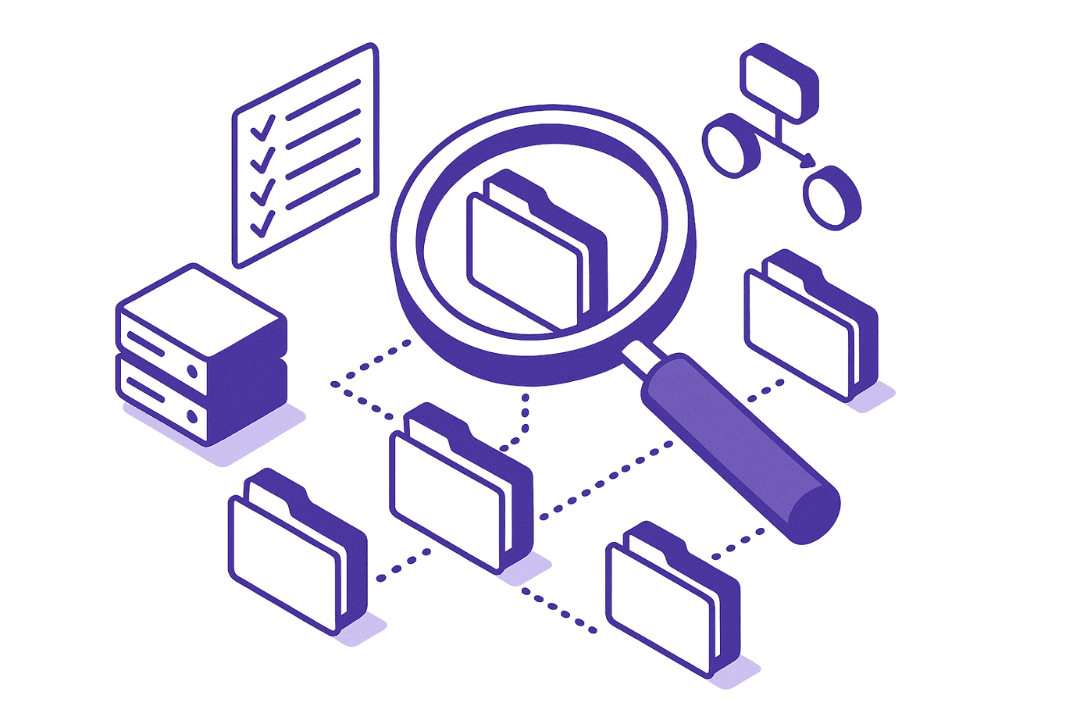
1. Migration Discovery & Planning
Before moving any data, we analyze:
Current shared drive and server structures File volume and formats Department usage patterns Permissions and access rules Records management and compliance needs Business processes tied to document management
This ensures your new SharePoint document management system matches how your teams actually work.

2. SharePoint Structure & Information Architecture
We design a clean and scalable SharePoint Online structure for:
Department libraries Shared document hubs Project-based document storage Client or case files Secure HR & finance records management
Your Microsoft SharePoint document management system stays organized long-term.
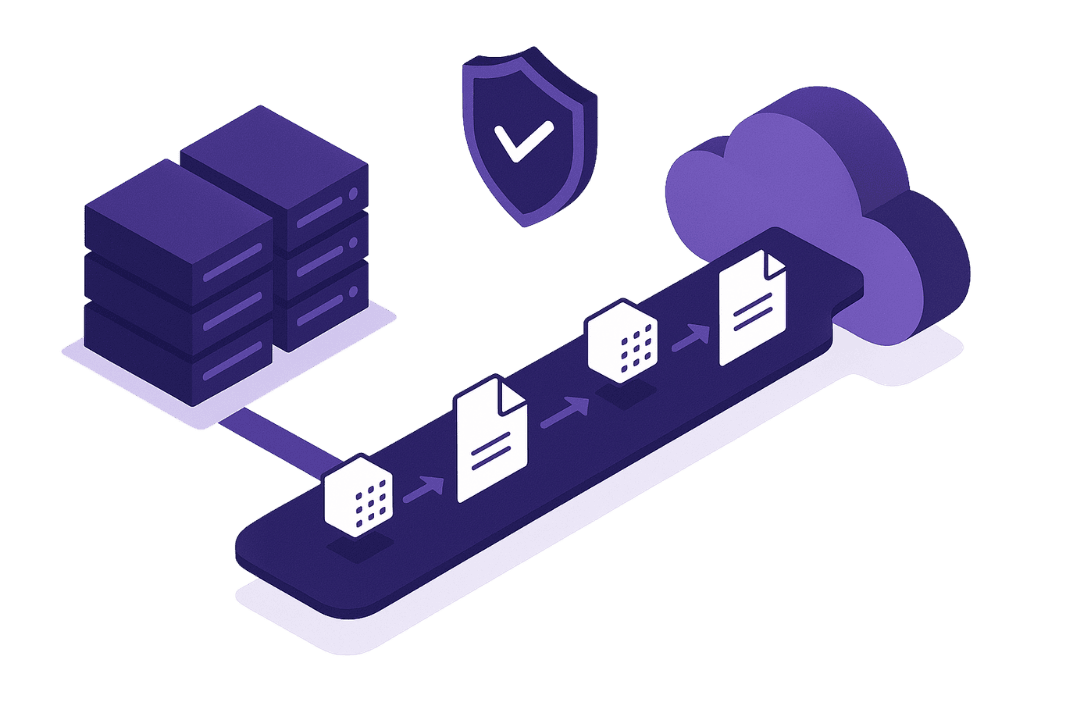
3. Secure Data Migration Execution
We safely migrate your data into SharePoint Online cloud file storage from:
Network shared drives On-premise file servers Google Drive Dropbox External hard drives Legacy document management systems
We preserve file integrity, metadata, and permissions whenever possible.
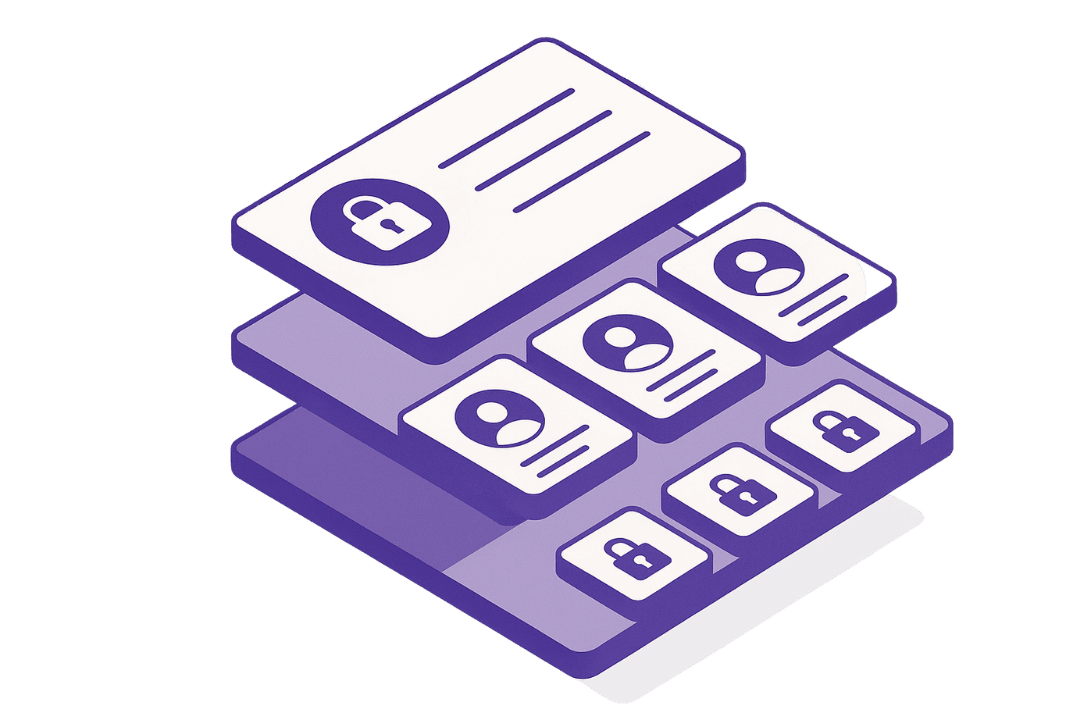
4. Permissions, Security & Records Management
We configure your Microsoft SharePoint document management software with:
Secure role-based permissions Data protection rules Controlled external sharing Retention policies Full records management compliance
Your document storage remains protected and audit-ready.
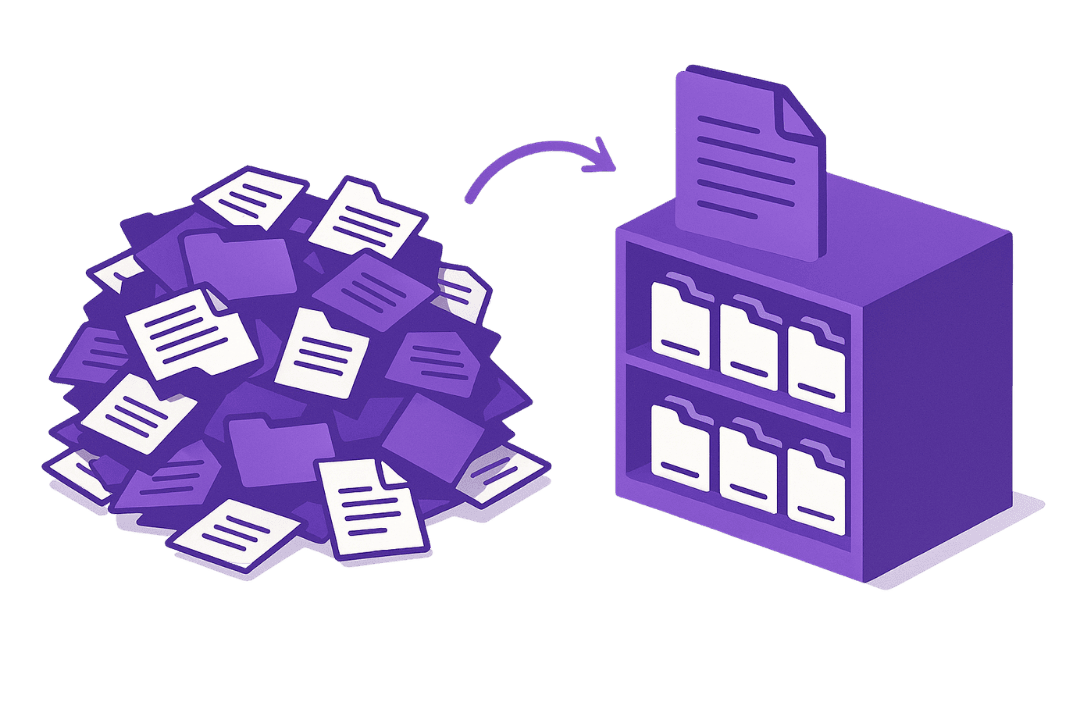
5. File Cleanup & Document Management Optimization
Optional optimization services include:
Removing duplicate files Archiving outdated records Standardizing naming systems Organizing unstructured shared drives Applying metadata for intelligent document management
This ensures your SharePoint document management system stays fast, clean, and searchable.
6. Optional Add-Ons
Available separately:
SharePoint intranet buildout Ongoing document management system governance Workflow automation with Power Automate AI file classification & extraction
Microsoft SharePoint Migration Demo
See how your shared drive transforms into secure, structured cloud file storage using SharePoint Online.
This demo showcases organized document storage, permissions, version control, and search — so you can see how powerful your document management software becomes after migration.
*Explainer Video Coming Soon!*